
Turn your reviews into stories and posts in one tap
Cinquo designs the image for you, in story or post format, with the real review, the stars and the photo your customer uploaded. Then you share it wherever you want, using your phone's own share menu.
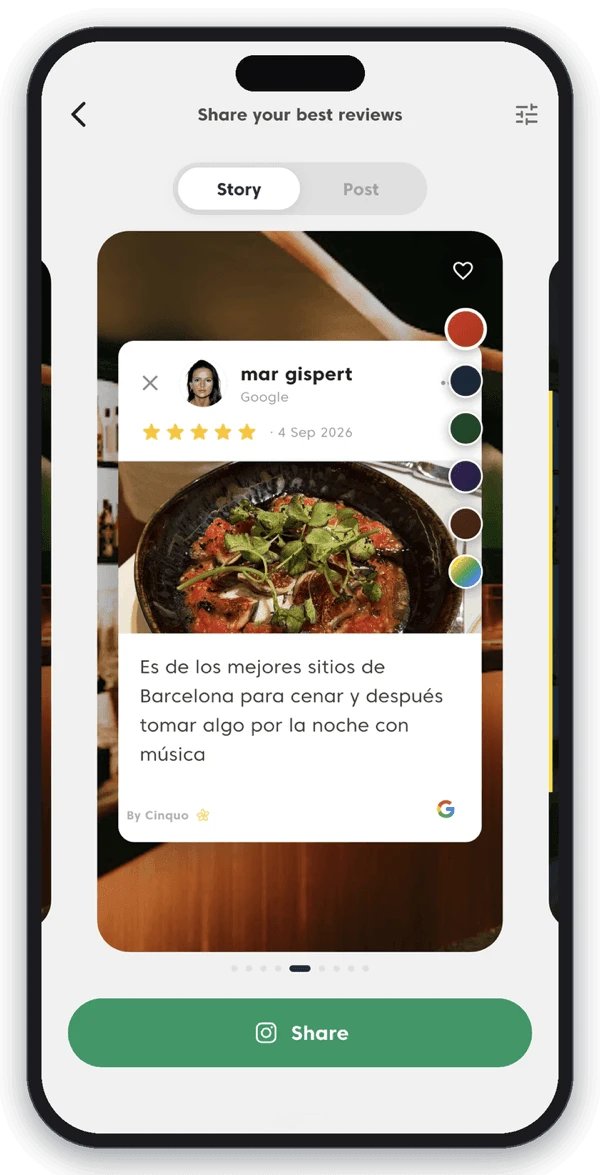
A 5-star review nobody sees is a compliment. A 5-star review on your Instagram is marketing.





Local businesses already turning their reviews into content














Your customers already wrote your best content
Every week someone leaves you a review that would make a great post. It stays buried in Google Maps, where only people already looking for you will ever read it. Cinquo turns it into an image ready to publish, in seconds.

Real reviews, not invented quotes
The image carries the actual review: your customer's name, their photo, the date, the star rating and the Google logo. Social proof nobody can accuse you of writing yourself.
Zero design work
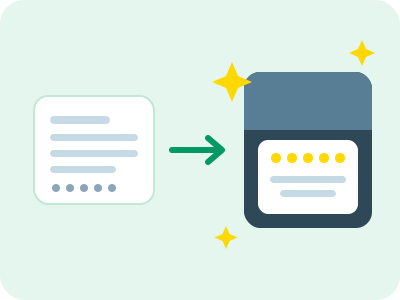
No Canva, no templates to build, no designer waiting on you. Pick the review and Cinquo generates the image already laid out and ready to publish.

You never run out of things to post
Every new review is a new post. Your customers fill your content calendar for you, for free, and with a message far more credible than anything you could write about yourself.
We'll turn one of your reviews into a post, live, in 15 minutes.
Book a free call with our team. No commitment, no sales pitch. Just your business, your best reviews, and how to keep your social media fed with them.
Book your free demo →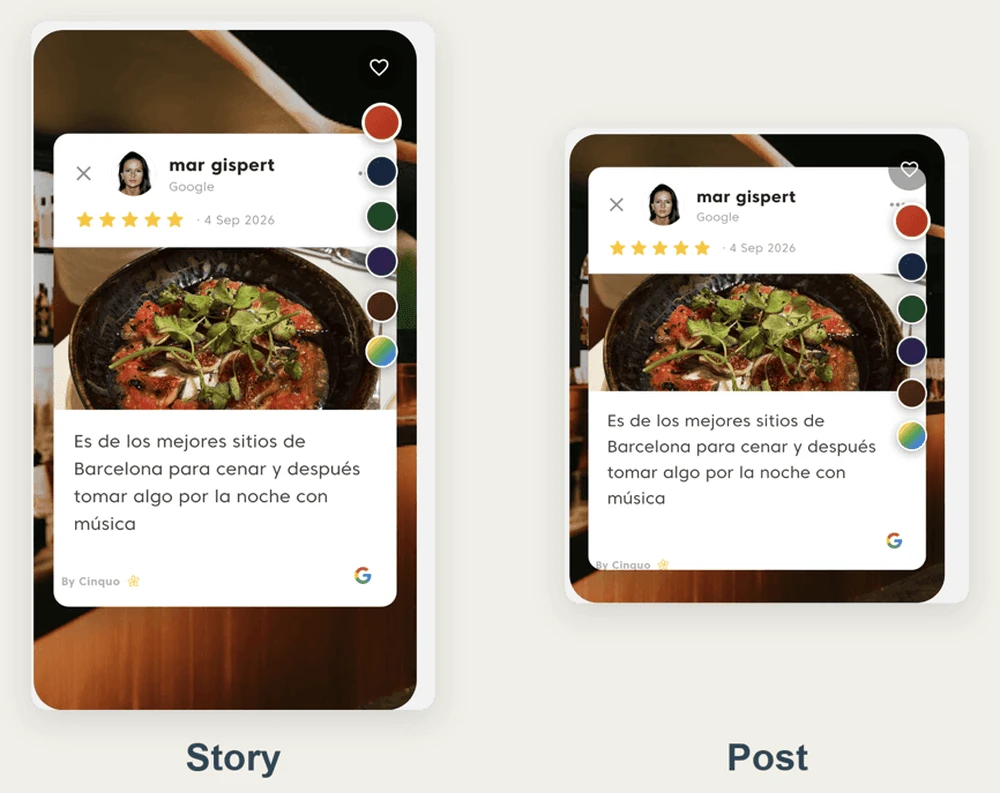
Story or post, whichever format you need
One toggle at the top of the screen: Story or Post. The same review recomposes at the right size for each place: vertical for Instagram and Facebook stories, square for the feed. Nothing for you to crop or reframe.
And you swipe through your reviews to pick which one to share, without leaving the screen.
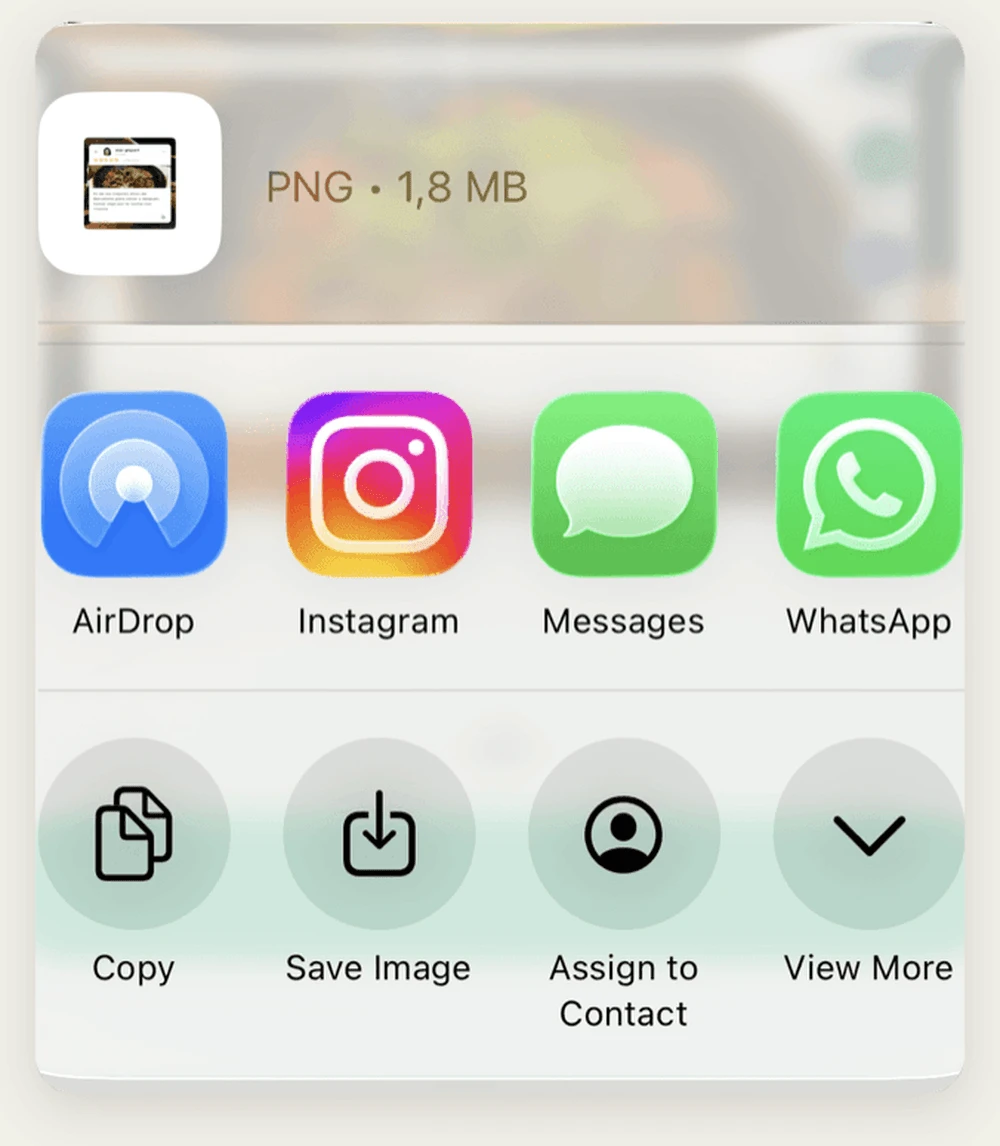
Share wherever you want, with your phone's own menu
Cinquo doesn't lock you into a single network. Once the image is ready your phone's own share menu opens, the same one you use every day, and you send it to Instagram, WhatsApp, Facebook, TikTok or whatever app you have installed.
You can also save it to your camera roll and use it later: in a newsletter, on your website, on a printed poster, or in the group chat where you show your team the review they earned.
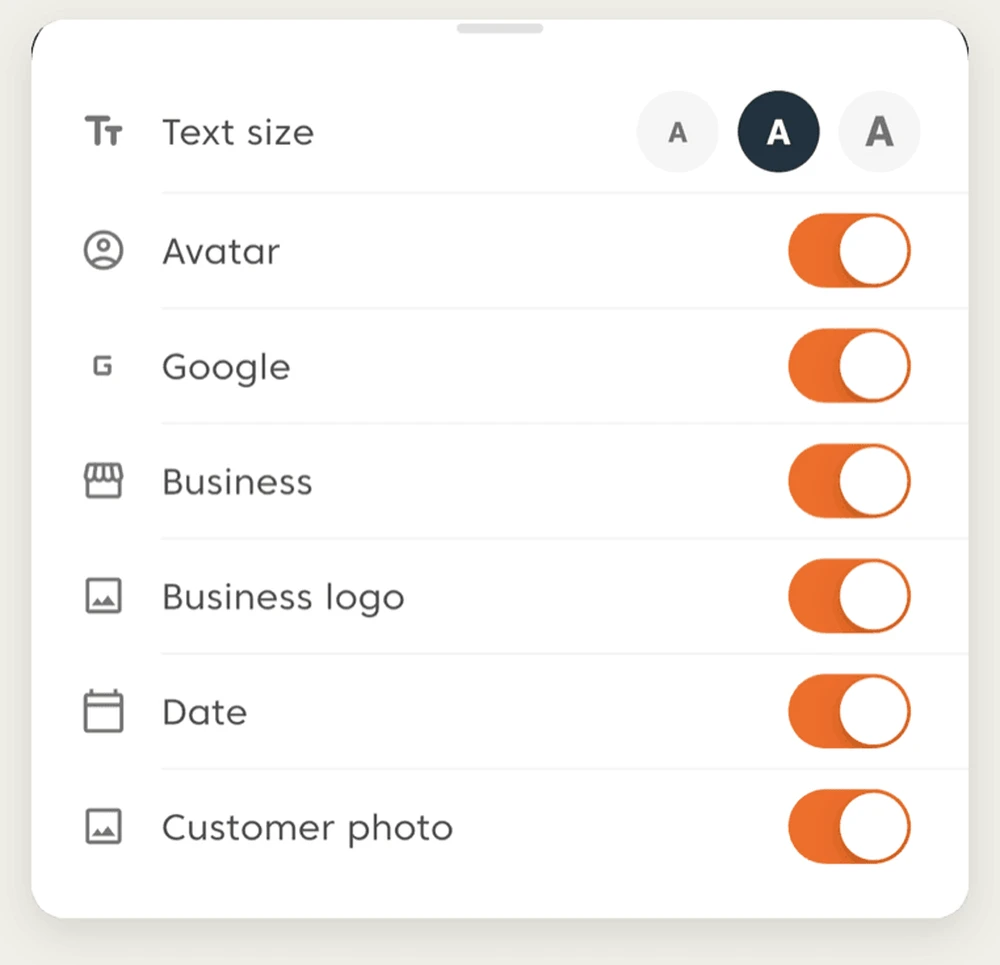
Make it yours before you publish
You decide what shows and what doesn't: the customer's avatar, the Google logo, your business name, your logo, the date, and the photo the customer uploaded with their review. Each one on its own switch.
You set the text size and pick the card colour from a palette. And if you're in a hurry, don't touch a thing: the default design is already good enough to publish as is.
From your phone, right when the review lands
The best moment to share a review is the day you get it, while the visit is still fresh. With Cinquo on your phone you go from notification to published story without sitting down at a computer, wherever you happen to be.

